Master data
Manage items, partners, BOMs, routings, warehouses, equipment, and inspection standards.


Keep every order, work record, inspection, shipment, and cost tied to the same item and production lot.
Each team can use the screen it needs while every record remains tied to the same order, item, and production lot. The screen and owner may change, but customer promises, specifications, cost, and results stay in the same work context.
The work at the center of daily operations is grouped into eight areas.
Manage items, partners, BOMs, routings, warehouses, equipment, and inspection standards.
Handle orders, due dates, purchase requests, purchase orders, receipts, and returns.
Review receipts, issues, transfers, and on-hand stock by warehouse, location, and production lot.
Record plans, work orders, material issues, output, defects, and completion status.
Manage incoming, in-process, and final inspection, nonconformance actions, and traceability.
Record equipment and part structure, daily inspections, repair and maintenance history, and operating hours. Track mold usage, storage, transfers, and changeovers.
Combine material, labor, equipment, and overhead records for costing and period close.
Review production, quality, equipment, delivery, and cost status in one place.
Manage work orders, inventory, inspection, and equipment information in QFactory.
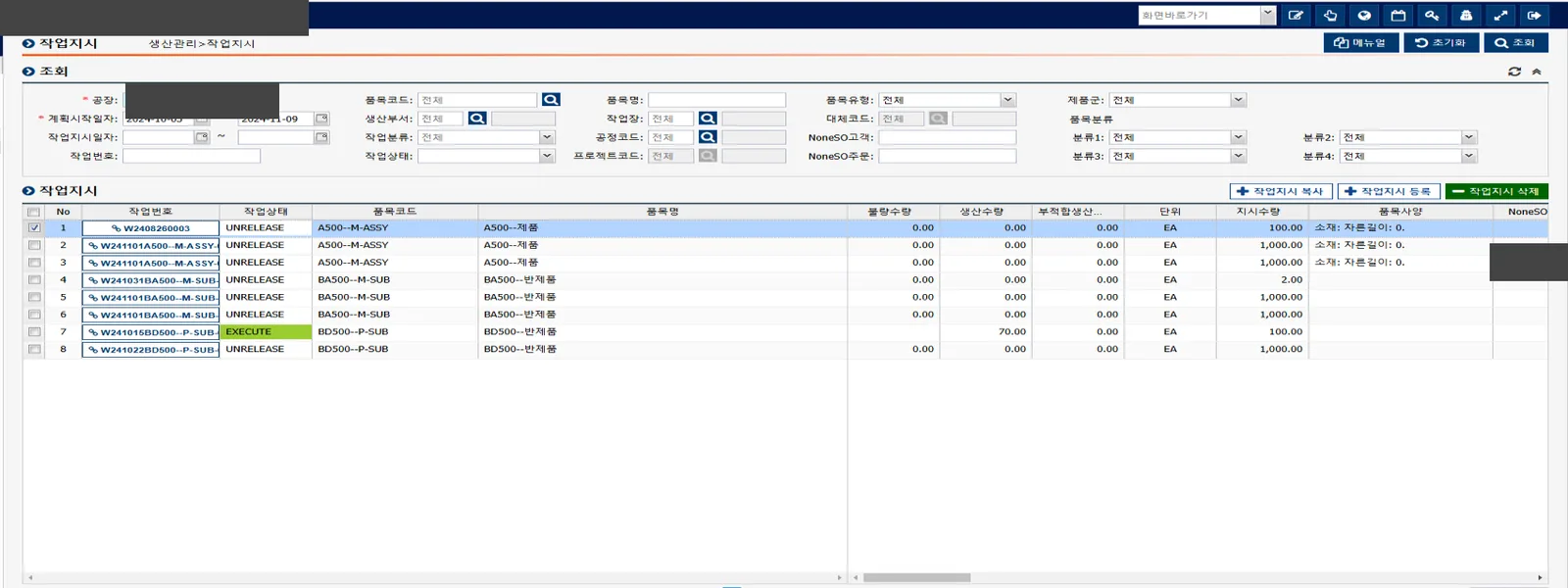
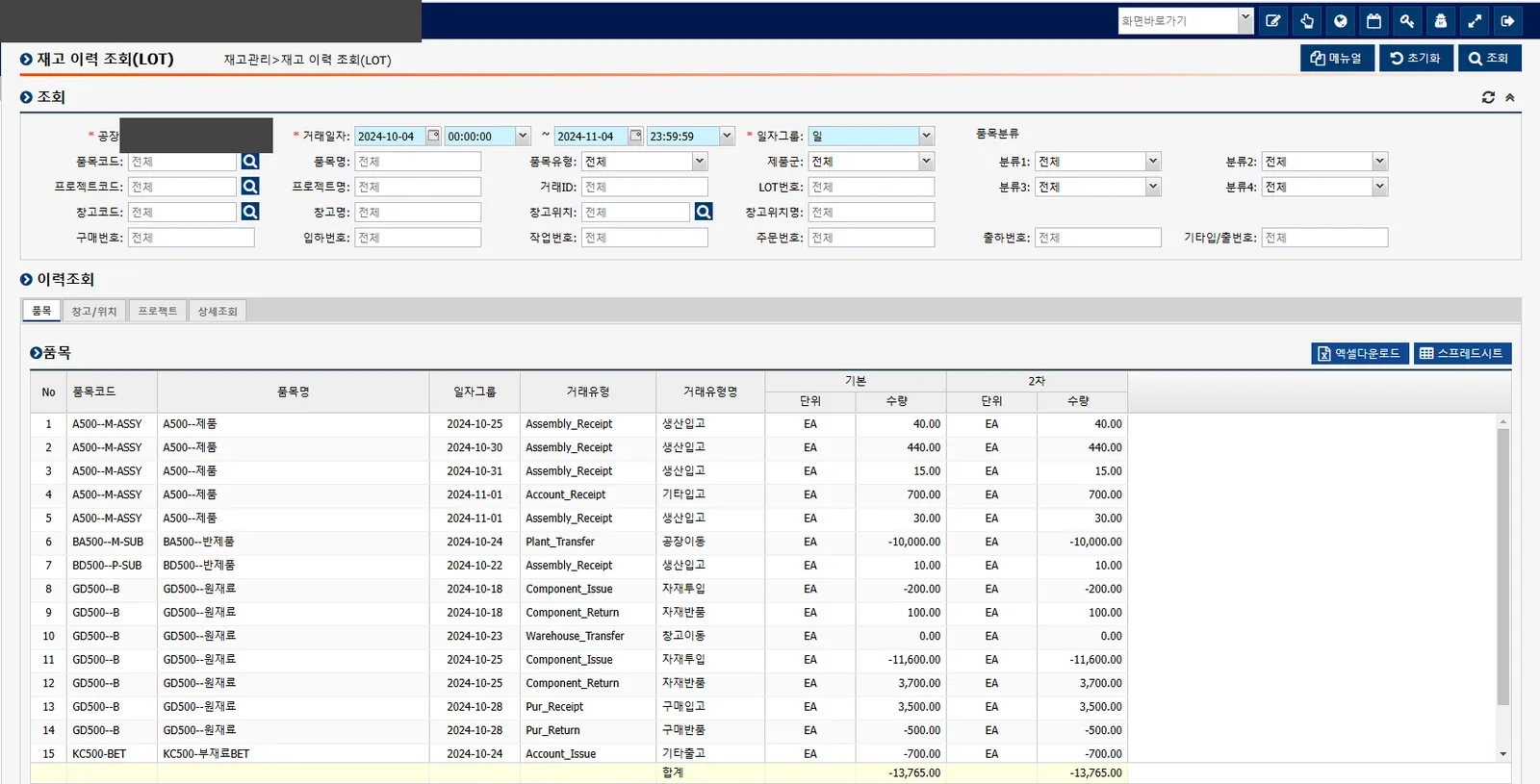
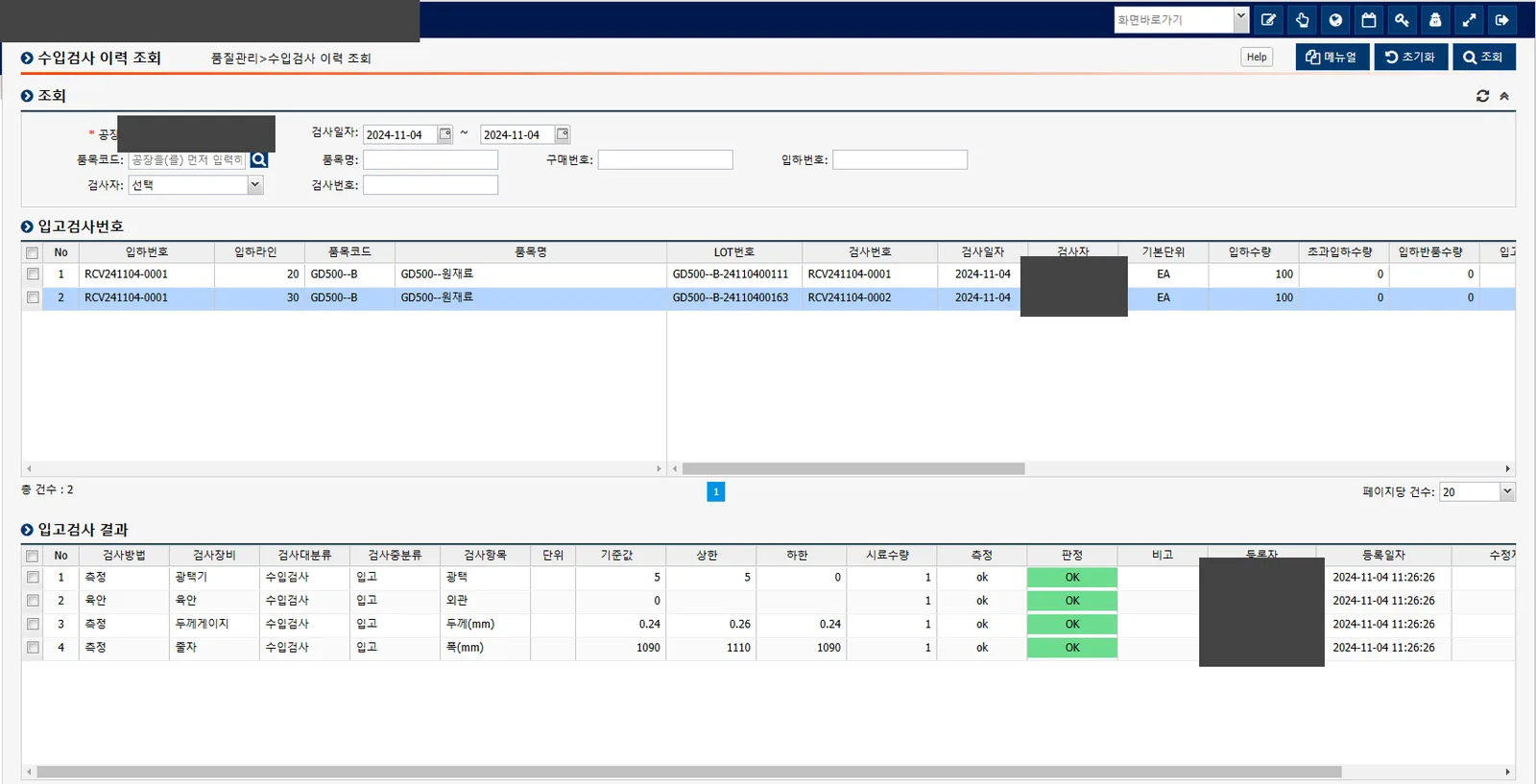
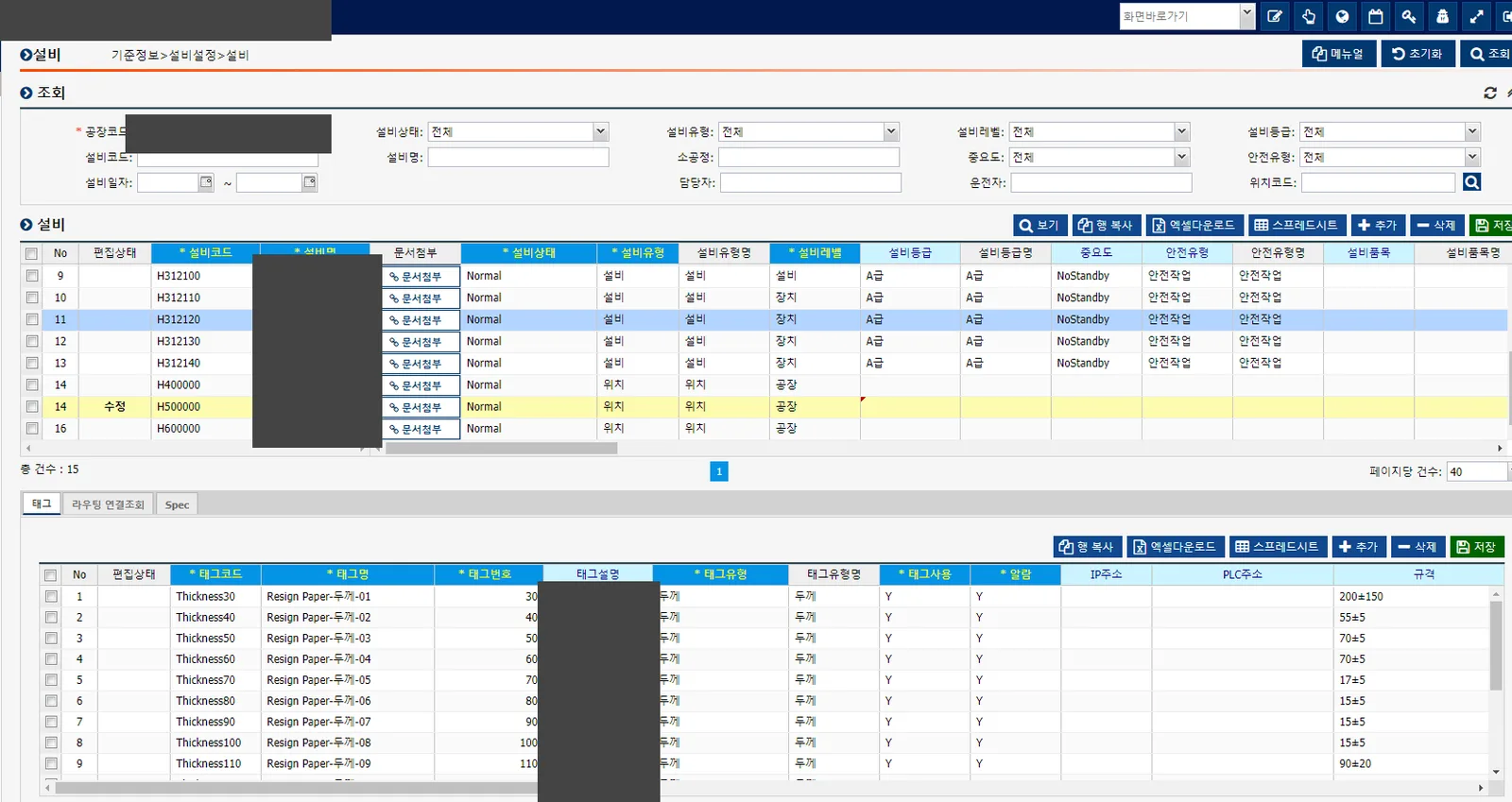
Start with QFactory's standard functions. We add only the screens and rules required by your process or equipment.
Configure existing QFactory functions to match the organization's operating standards.
Add only the screens and rules that the process or equipment genuinely requires.
Collect values from PLCs, sensors, barcodes, and cameras, then link them to work and quality records.
QFactory has many screens, but you do not need to adopt all of them at once. We begin with the functions the current operation needs.
Review current spreadsheets, documents, equipment, and systems, then define the first scope to change.
Configure standard functions and implement only the screens, system links, and equipment connections the scope requires.
Test the flow with real items and work records, then let shop-floor users verify the result.
Meet the agreed acceptance criteria, then hand over training, operating documents, and the support scope.
We define server, integration, backup, and support conditions for the operating environment.
Document backup frequency, recovery steps, account roles, and remote-access boundaries before the contract is finalized.
Agree on the owners and scope for health checks, incident response, changes, and user training before go-live.
AI prepares master-data drafts from documents for people to review before saving. Vision results remain linked to source images for later review.
See what manufacturing AI does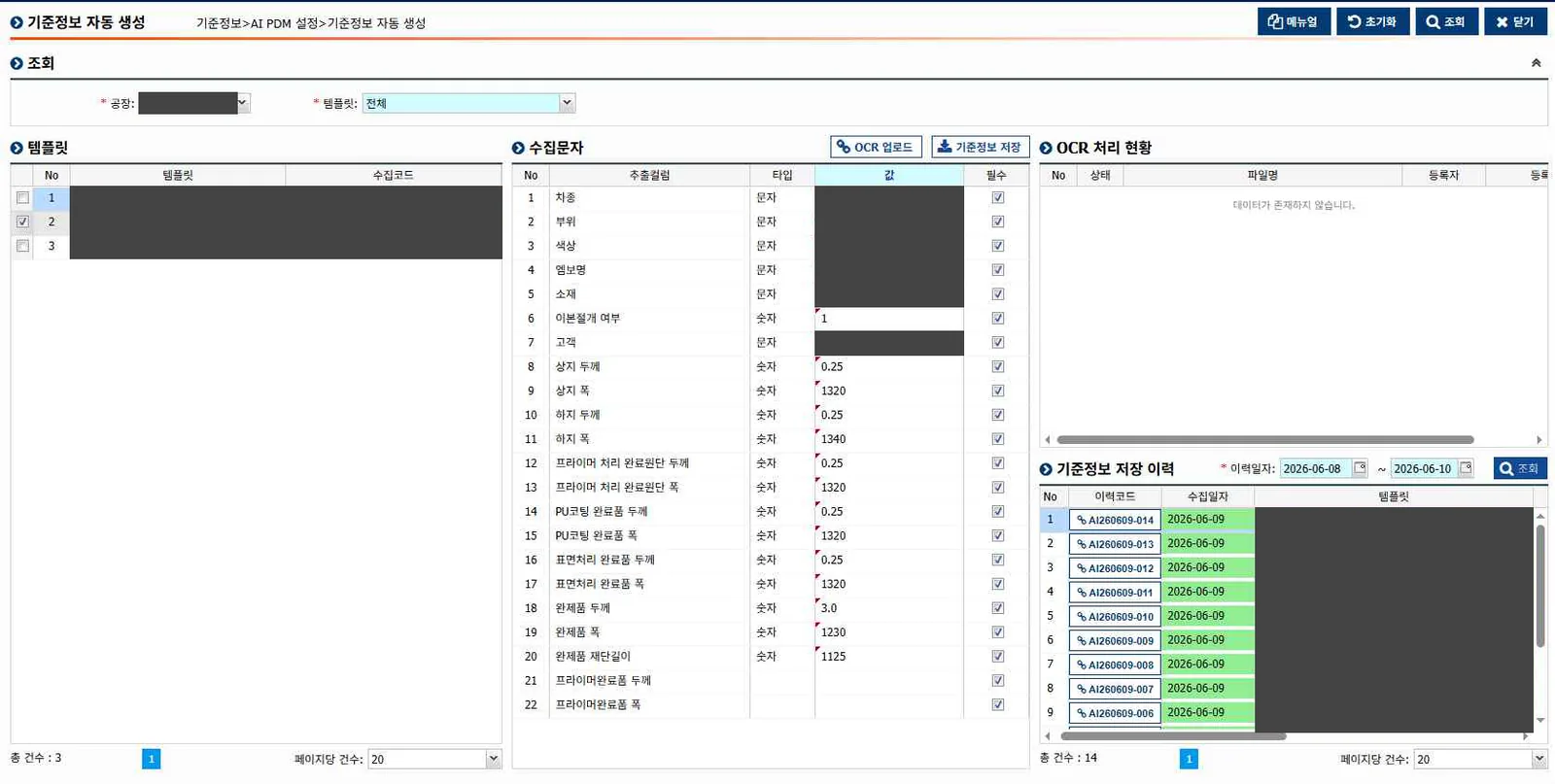
The questions we hear most about scope, schedule, cost, and existing-system integration.
Timing depends on the work in scope, the state of your data, and the number of equipment links. After a site review, we provide a schedule and training plan.
We size the required functions with the function point method. Hosting, equipment links, AI servers, data migration, and custom work are priced as part of the agreed scope.
We first review how each system is used. Keep the functions that still work, then connect or move only the records that need to join QFactory.
We organize master data and the production workflow first. Then we add equipment links and automation. AI comes later, once the records it needs are reliable.
We visit the site and review the actual work, documents, systems, and equipment. Those findings define the first scope and acceptance criteria.
Cloud is the default because maintenance and updates are simpler. We can also install on premises when company policy or site conditions require it.
We review spreadsheets, paper, systems, and equipment, then define a practical first stage.
Plan your first phase